
Mój Dzionek
A preschool’s day in parents’ pockets: the daily report, messages and a group chat, notes from the teachers, absences, pickups, a calendar, the menu and the month’s payments, with a web panel for the director. Made for Polish preschools and the families they serve.
Overview
Mój Dzionek (Polish for “my little day”) connects a preschool with the families it looks after. Teachers record the day as it happens — who arrived, what they ate, how long they slept — and parents see it on their phones the same afternoon, along with messages, the group chat, the group’s photo gallery, the calendar and the menu.
It is built around how a preschool group actually works: one shared tablet per group with a personal PIN for each teacher, entries made for the whole group in one tap, and the day-to-day logistics of absences, meals and pickups handled in the same place. The director runs the preschool from a web panel. Parents can use the app in Polish, Ukrainian or English. A preschool pays one flat price, 149 zł net a month with everything included and a 30-day free trial; parents never pay. The screenshots show the demo preschool in Polish.
For parents
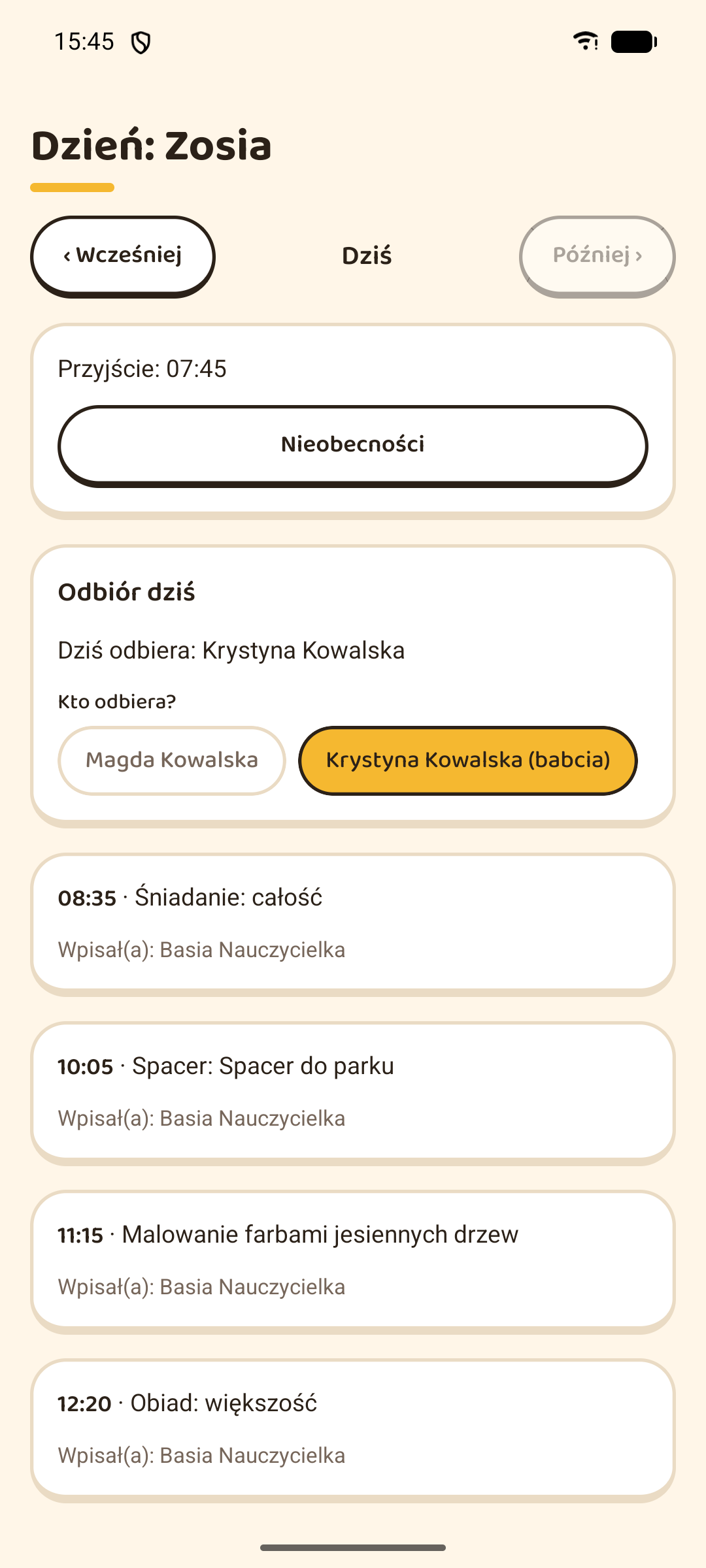
- The child’s day on the phone: arrival and departure, meals, nap, mood, activities and the teacher’s notes, with an evening notification that the summary is ready
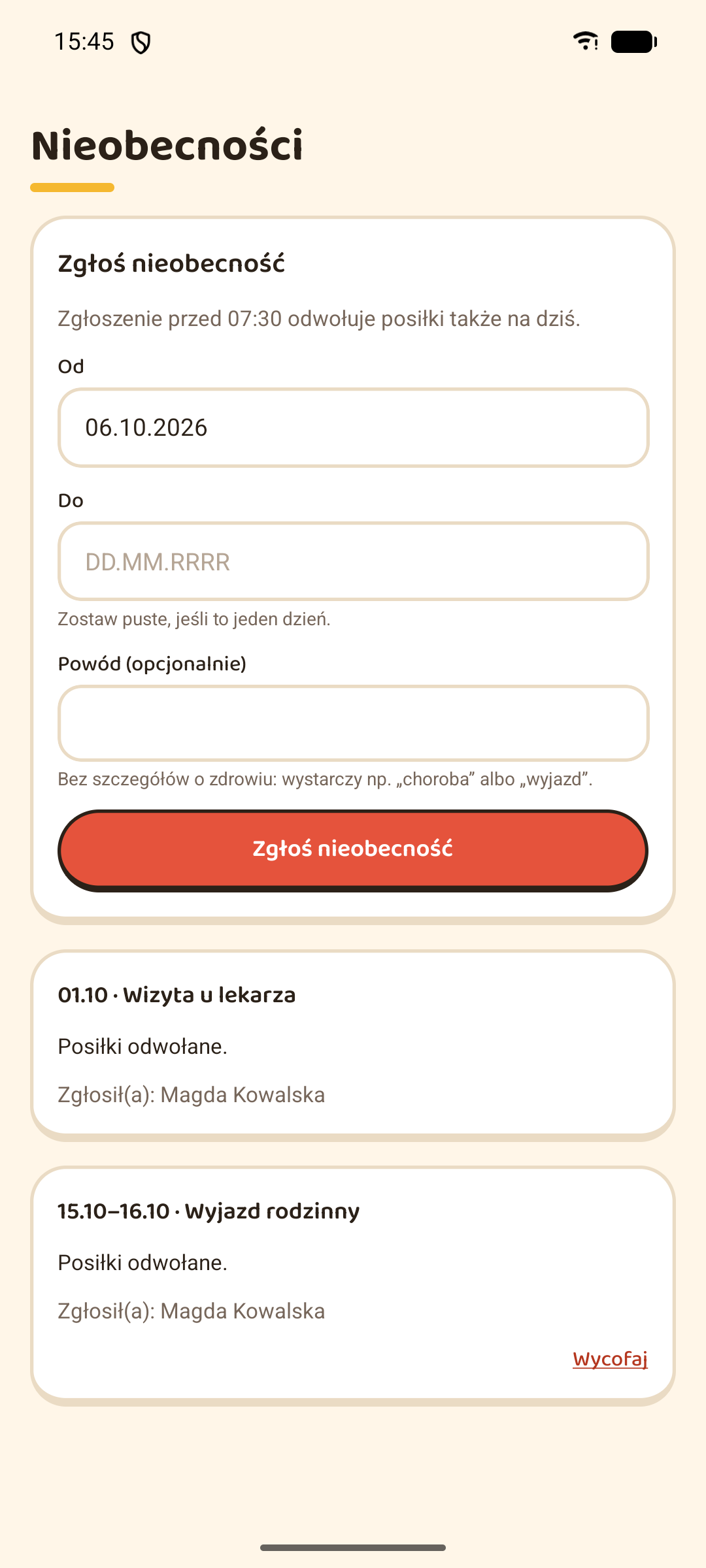
- Absences reported in the app; one reported before the morning cut-off cancels that day’s meals too
- Who is collecting the child today, picked from the people the parent has authorised
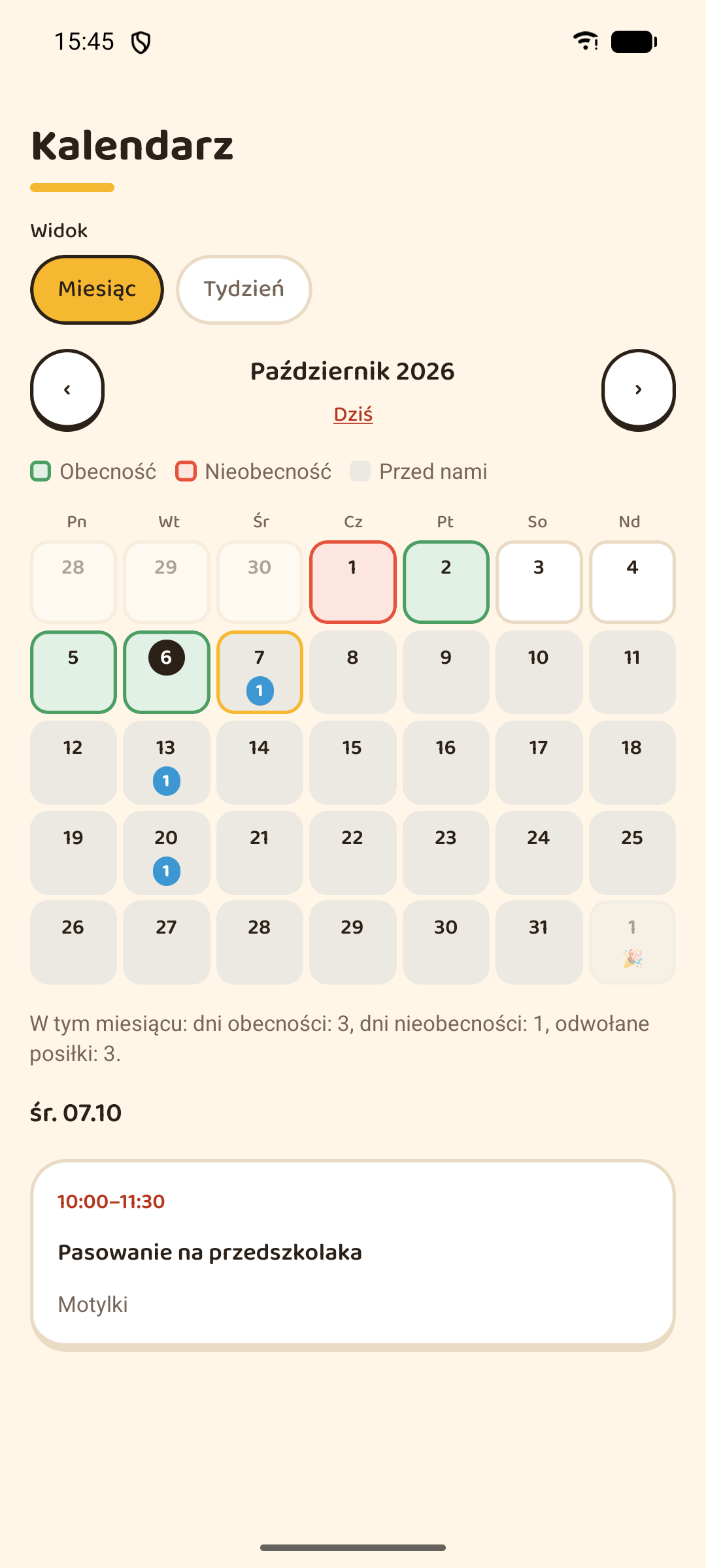
- A month and week calendar with attendance colours, events and holidays, which can also be added to Google or Apple Calendar
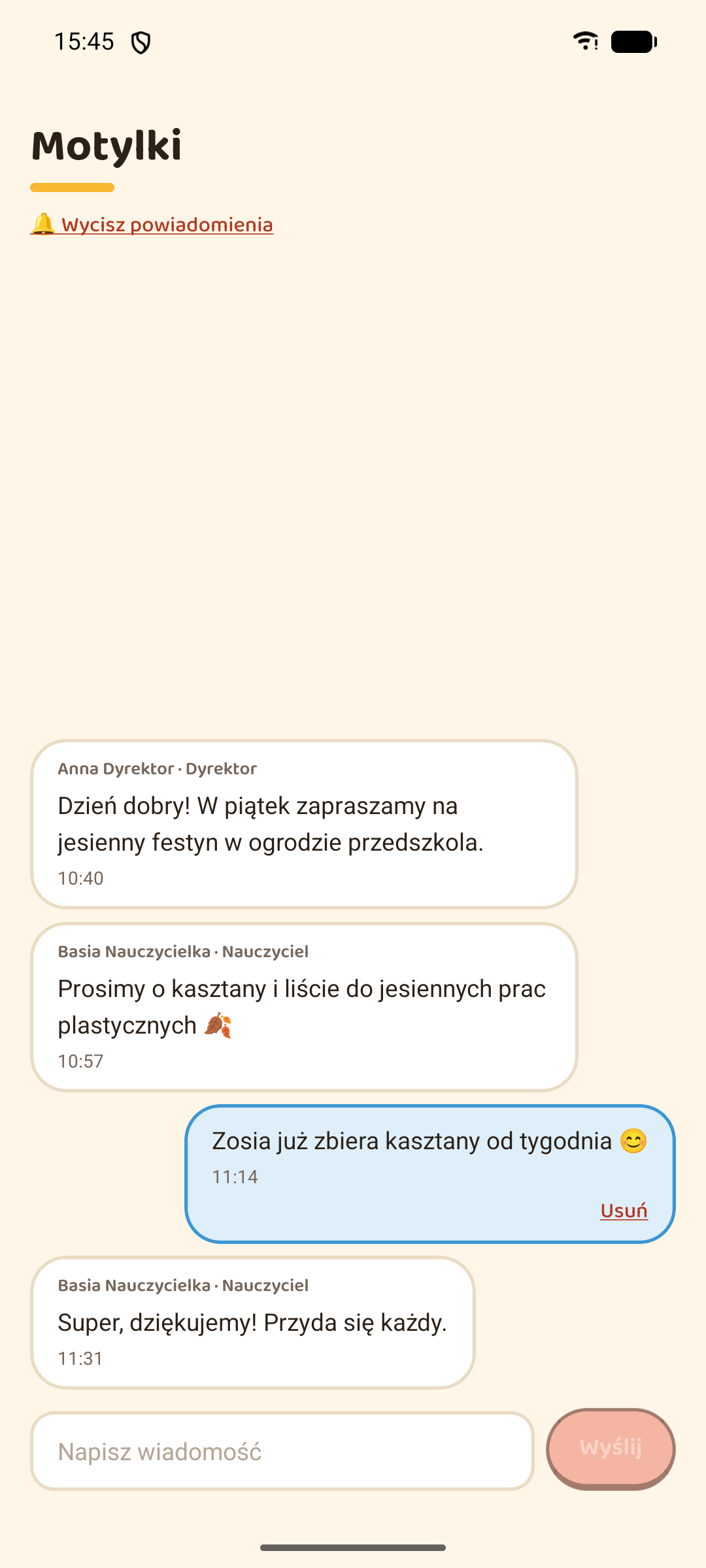
- Private messages with the group’s teachers, a chat for the whole group, chats with other children’s parents (first name, surname initial and group only; any family can opt out or block another, and report a message to the director), and announcements
- Notes from the teachers about the child — praise, a remark or an incident — with a notification for each
- The month’s payment with how it adds up (fee, meals, meals refunded for absences), where to pay, and an “I paid” button
- The group’s photo gallery, seen only by the group’s families and staff, with photos to save on the phone
- The weekly menu, the app in Polish, Ukrainian or English, and a choice of which notifications to get
For teachers
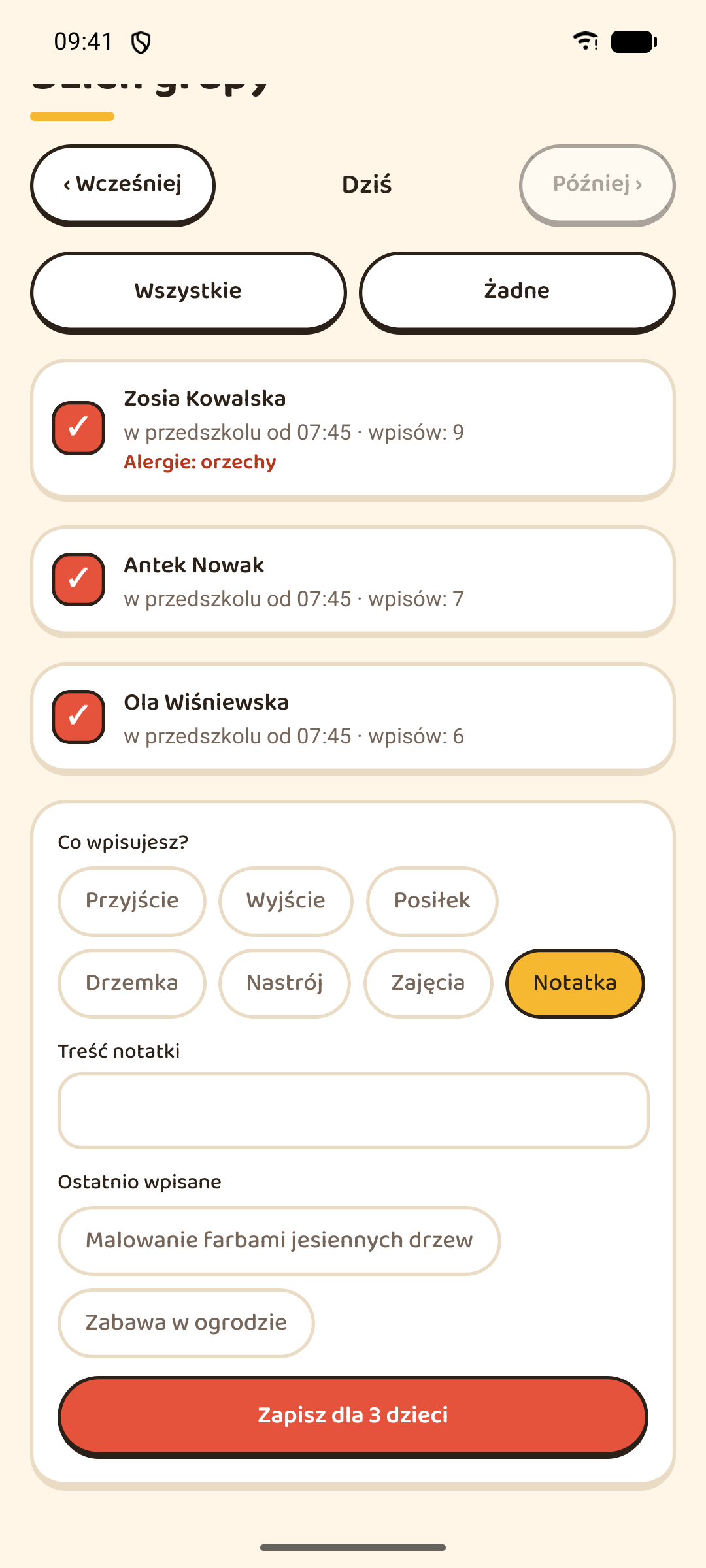
- One entry for the whole group at once — arrival, meal, nap, mood, activity or note — then just the exceptions
- Recently written notes come back as one-tap suggestions, and naps start at the usual time
- A shared group tablet with a personal PIN for each teacher, so every entry is signed and private phones stay private
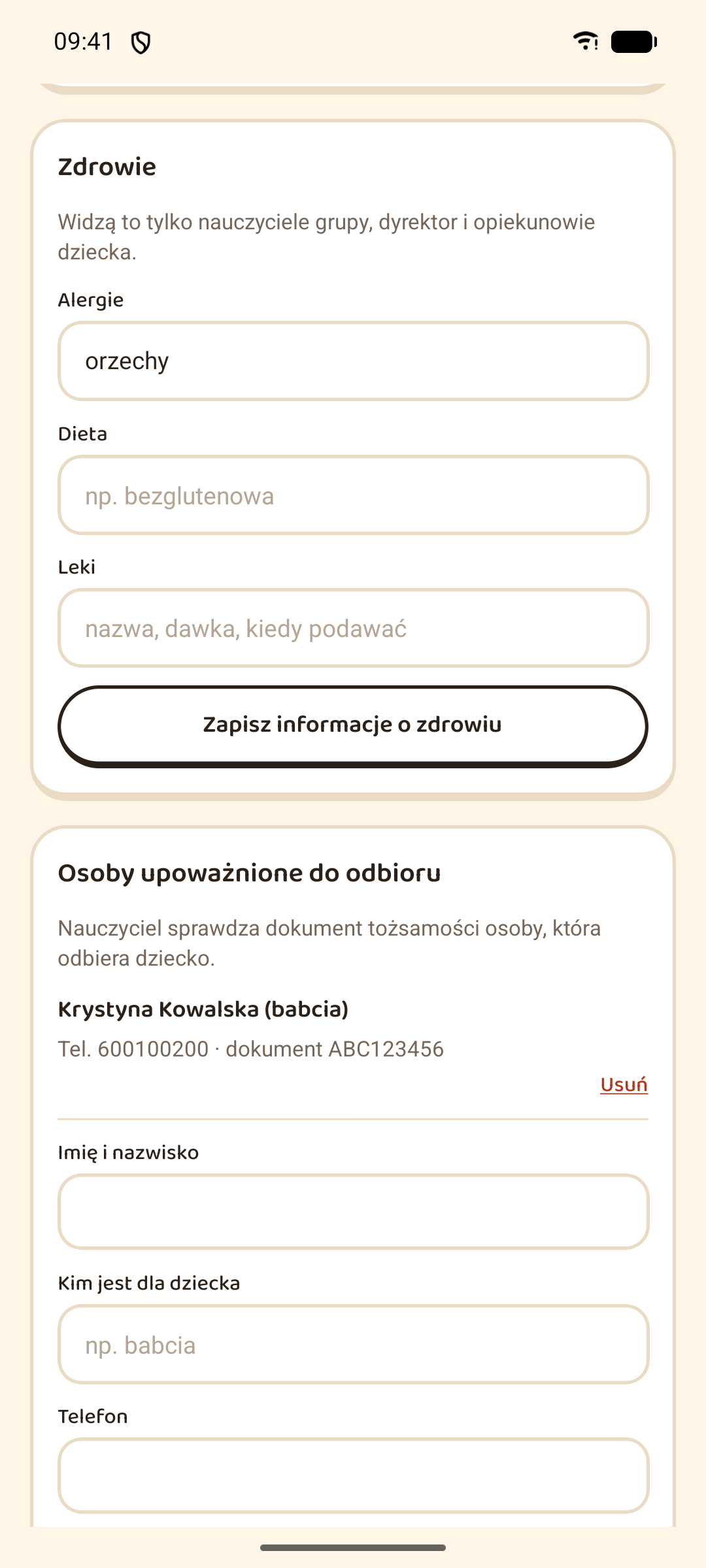
- Pickup at the door: authorised people with their ID, today’s plan, and court restrictions enforced by the server
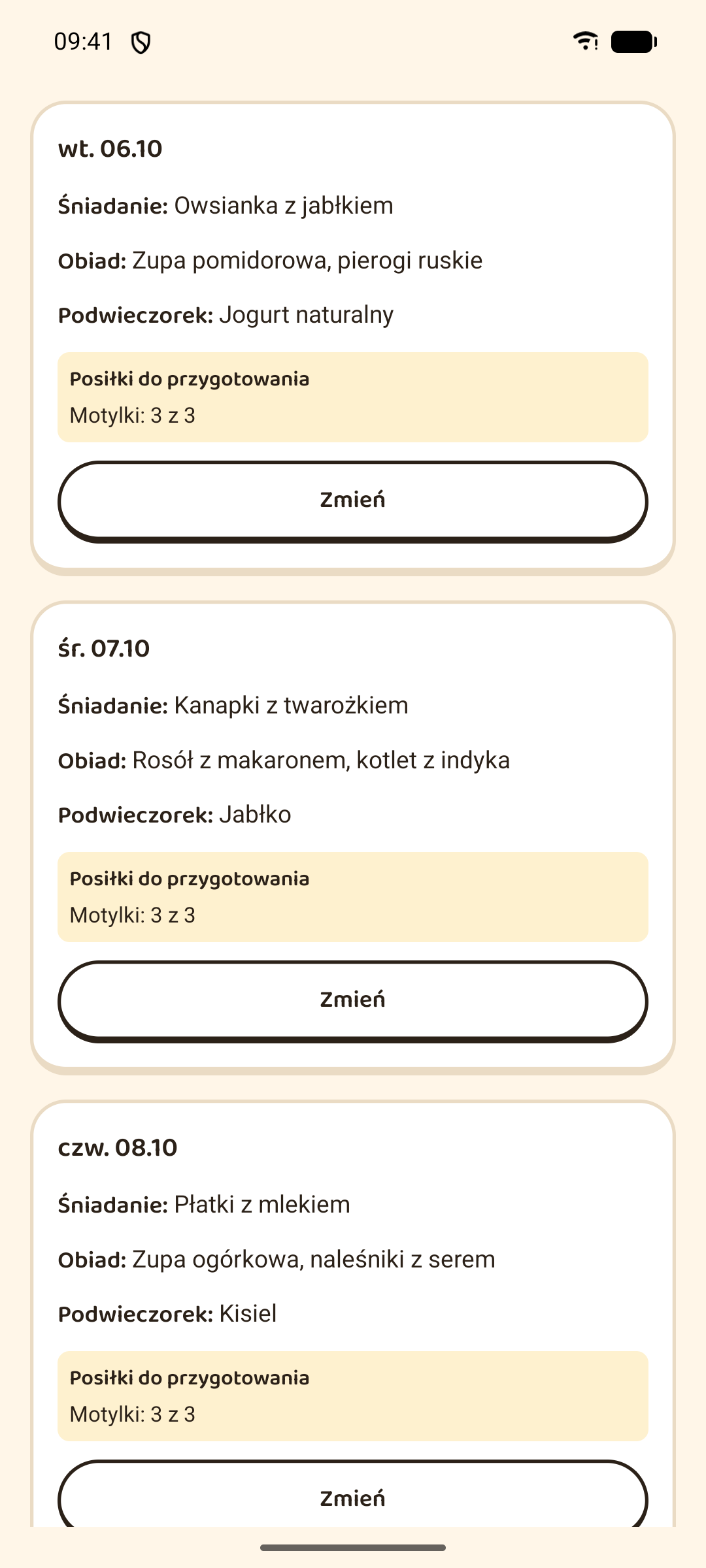
- Allergies next to the menu, the kitchen’s meal count after absences, and last weeks’ menus to copy
- Notes about a child for its parents — praise, a remark or an incident — showing which parents have read them
- Photos for the group’s gallery from a phone or the tablet, with the children who have no photo consent listed before sending
- No notifications outside the preschool’s working hours
For the director
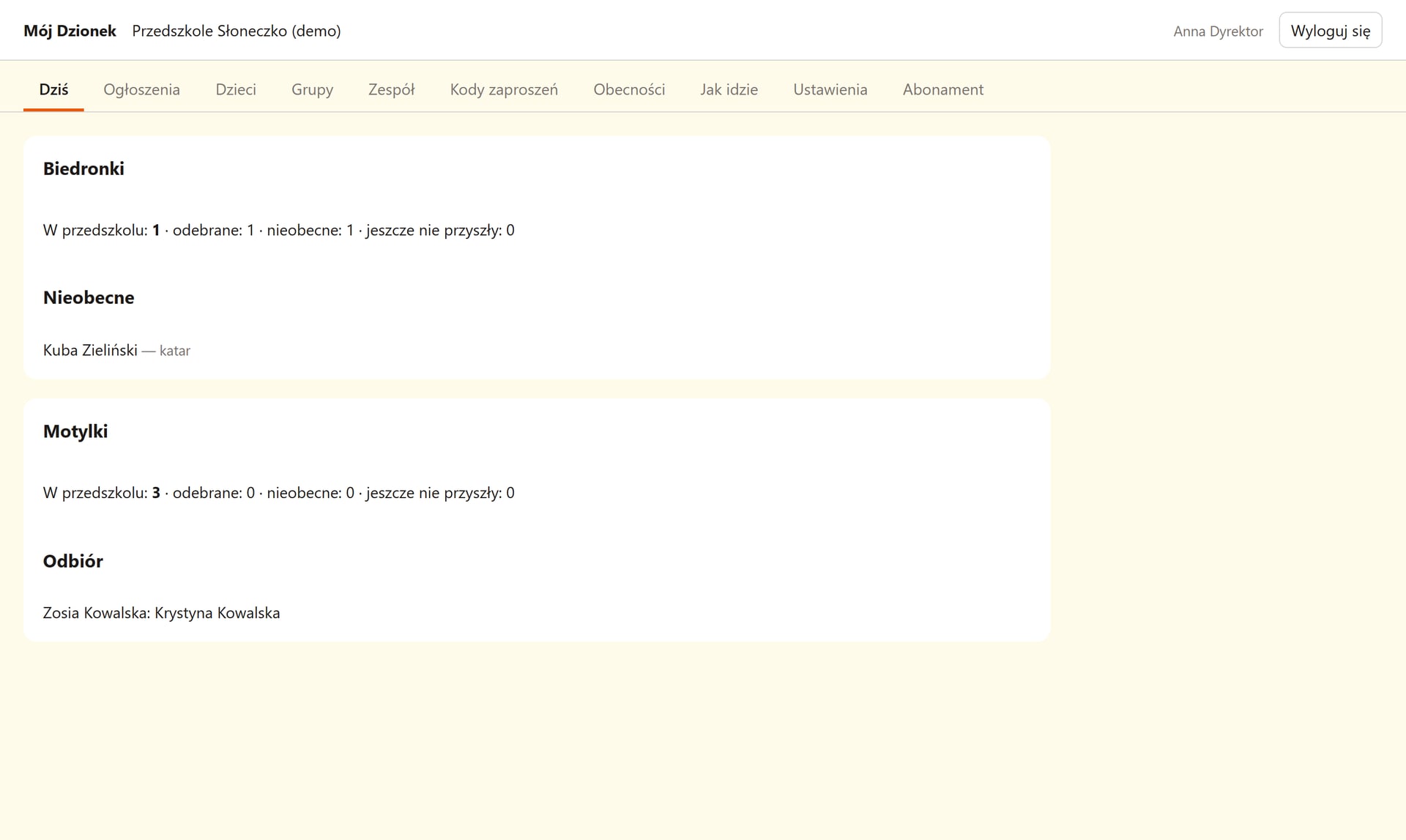
- A web panel that opens on today: attendance per group, absences with reasons and planned pickups
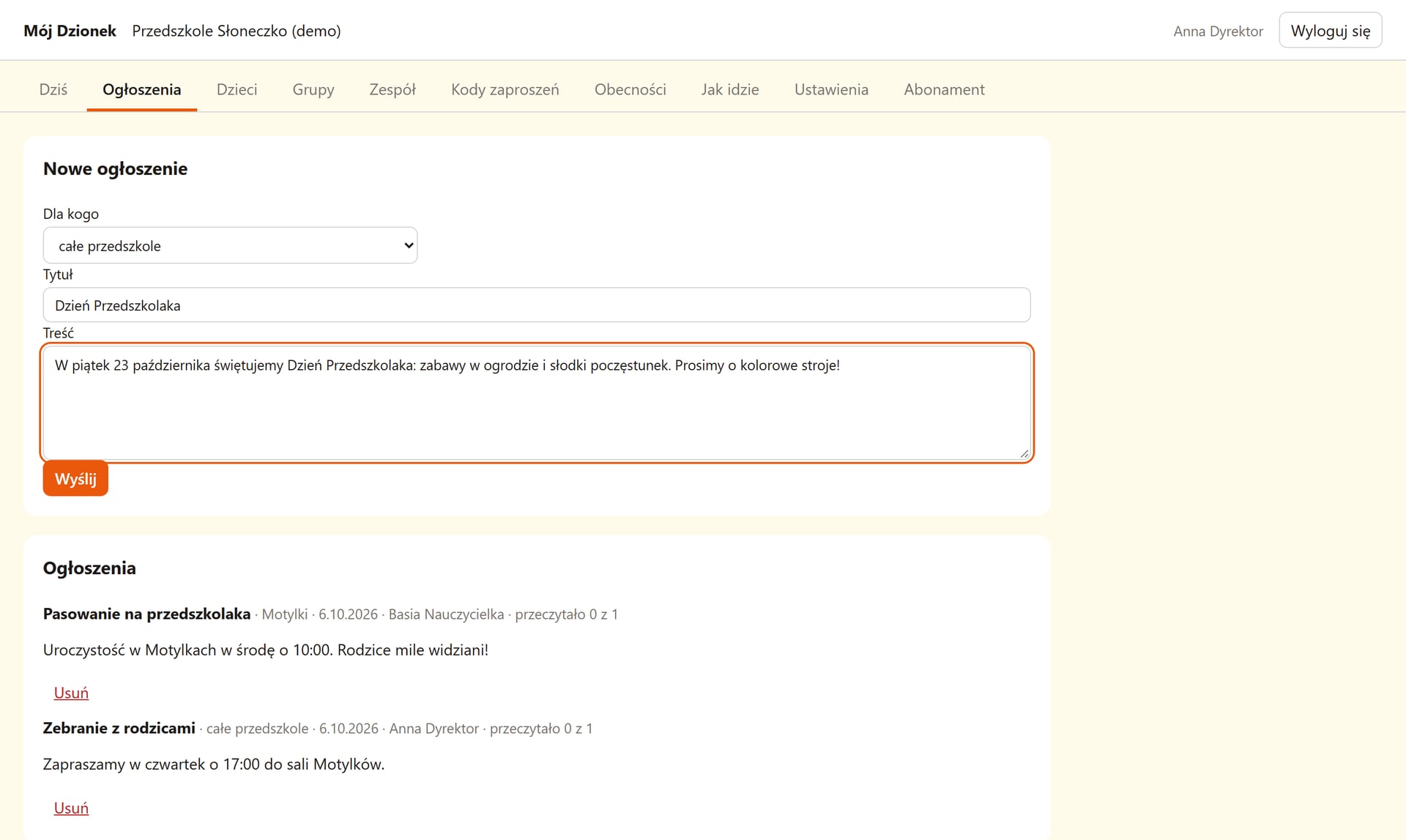
- Announcements to the whole preschool or one group, with read counts
- Children pasted in from a spreadsheet or loaded from another system’s CSV export, groups, the team and their roles, and a first-steps checklist for a new preschool
- Messages parents reported from chats between families, to remove or leave as they are
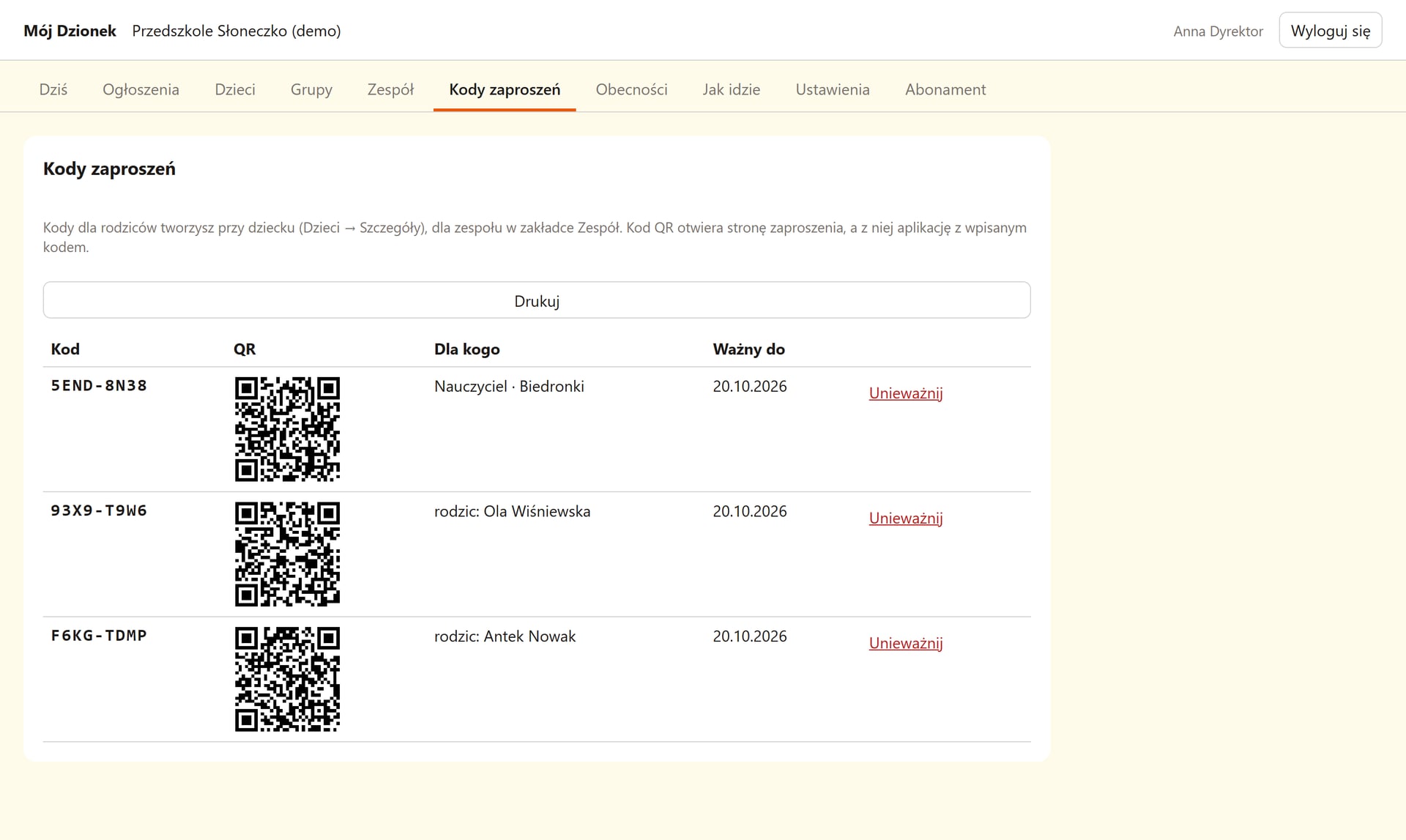
- Invite codes to print, each with a QR code for parents to scan
- The month’s payments in one place instead of on paper: the fee and meals worked out per child, with last month’s cancelled meals taken off, any amount adjusted, and payments marked as they come in. Nothing is processed.
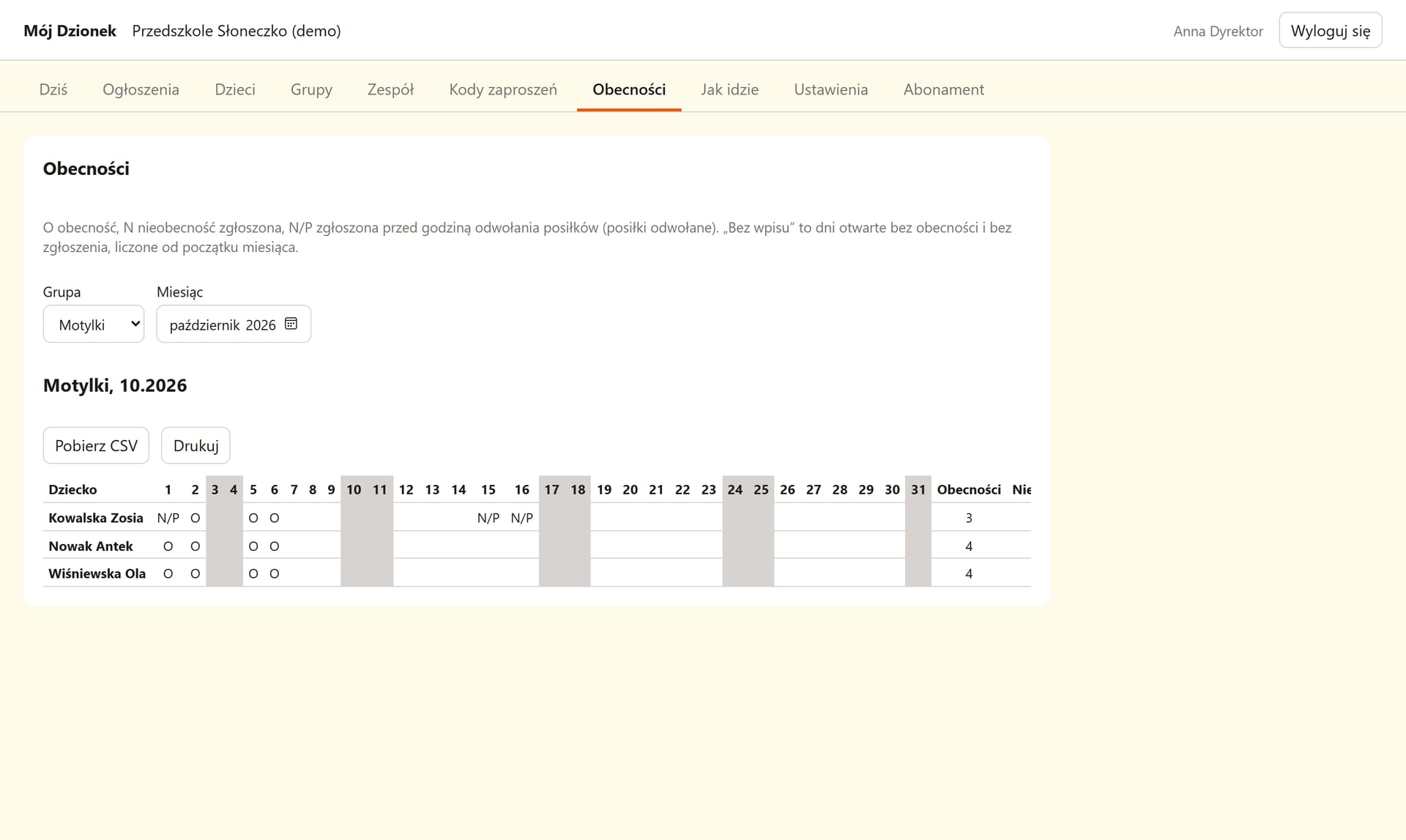
- The monthly attendance and meals sheet as CSV, and figures on how the preschool uses the app
- An audit log of every change, opening hours and the meal cut-off, how long gallery photos are kept, and the subscription with invoice details
Privacy by design
- Everyone sees only their own: a parent their child, a teacher their groups, the director the whole preschool
- Health details only with a parent’s consent, gone when it is withdrawn; nothing personal in notifications
- Photos with no public address and no hidden location data, a register of parents’ photo consent, and photos deleted when the preschool’s chosen period ends
- Data export and account deletion in the app; a child’s data removed 90 days after leaving, and someone left in no preschool anonymised
Built with
- Mobile app
- React Native (Expo), TypeScript, React Query
- Web app
- React, Vite, TypeScript (the director’s panel)
- Server
- Kotlin, Ktor, Koin, Exposed, Flyway, PostgreSQL
- Architecture
- Hexagonal (ports and adapters), push notifications through Expo